Keep related work in a project
A project groups work around a shared goal. Use one for a launch, research topic, client, or other task that will need several conversations.
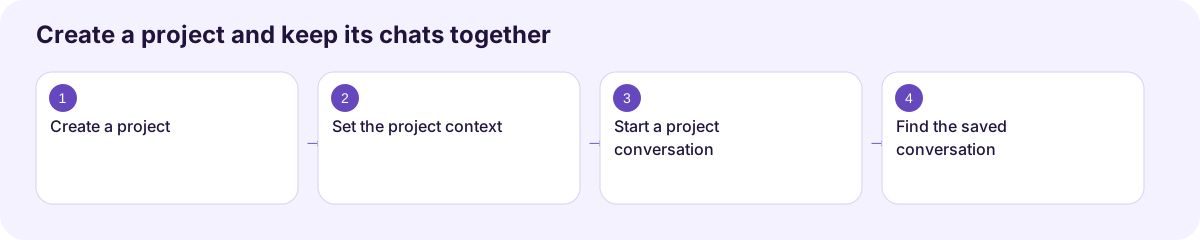
Create a project
Section titled “Create a project”- Expand the sidebar and find Projects.
- Choose Create new project.
- Enter a descriptive name.
- Open the project and start its first conversation.
For example, name a project Documentation launch and use separate conversations for the outline, guide writing, and review checklist.
Add project context
Section titled “Add project context”Open Project Settings to describe what the project is about and add custom instructions for its conversations. Keep instructions focused on the shared task, such as Use plain language for first-time users and distinguish confirmed behavior from assumptions.
Existing conversations can be assigned with Move to project. Project views can also collect files generated across those conversations. Knowledge tools, when available, provide additional project context; check their access and file status before relying on them.
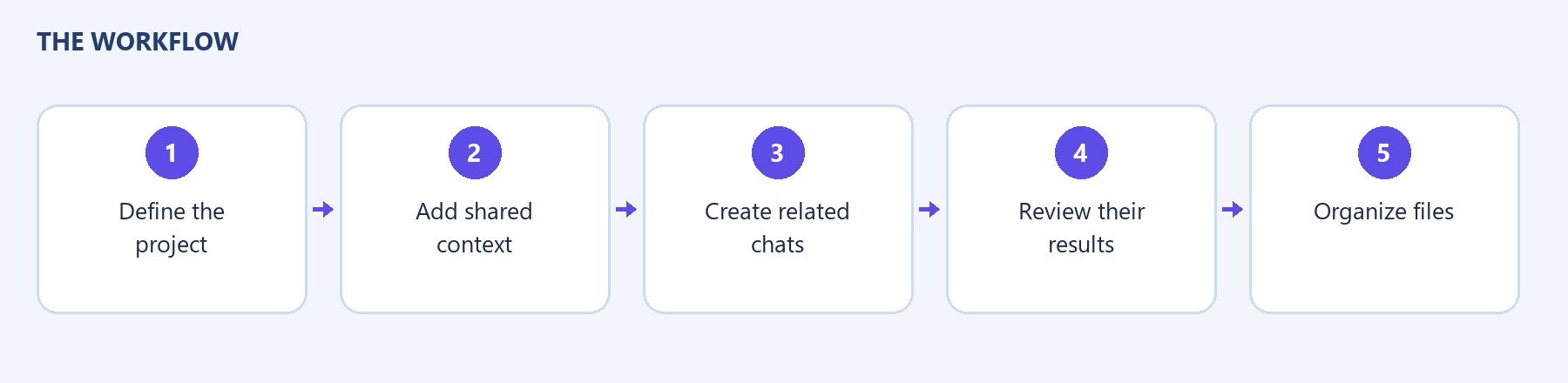
A project is a way to organize work. Sharing or moving a conversation may have separate controls; do not assume every project is a shared team workspace.
Workflow at a glance
Section titled “Workflow at a glance”